 Celerity Apps

Run it your way
Run the model on your own device, on a computer on your network, or through a hosted provider.
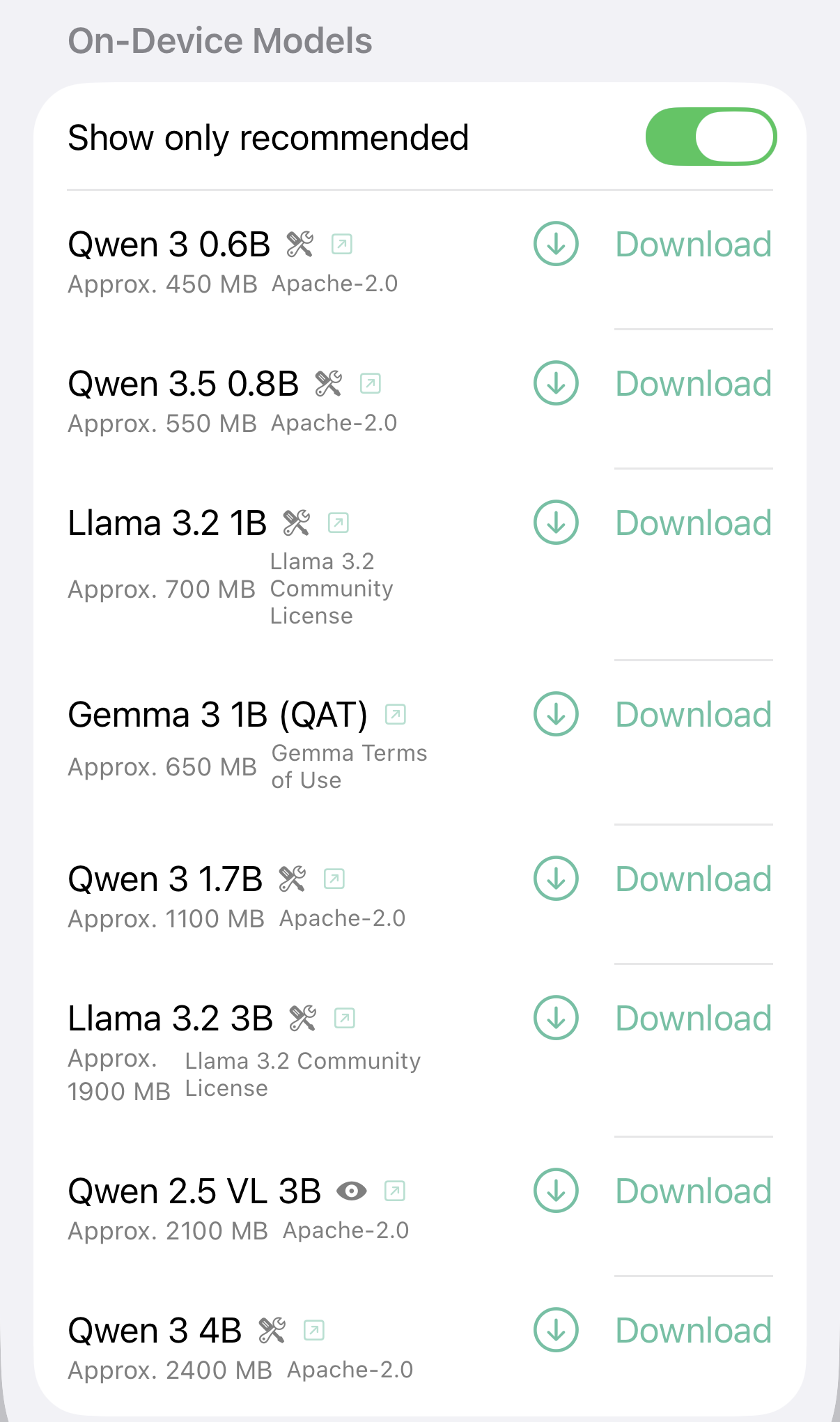
Run it on your device
Download a model once and chat offline. Nothing leaves your phone, iPad, Mac or Apple Vision Pro. HollmChat picks models that fit your device’s memory, so you won’t accidentally grab one that’s too big to run. Vision-capable models can look at photos you attach.
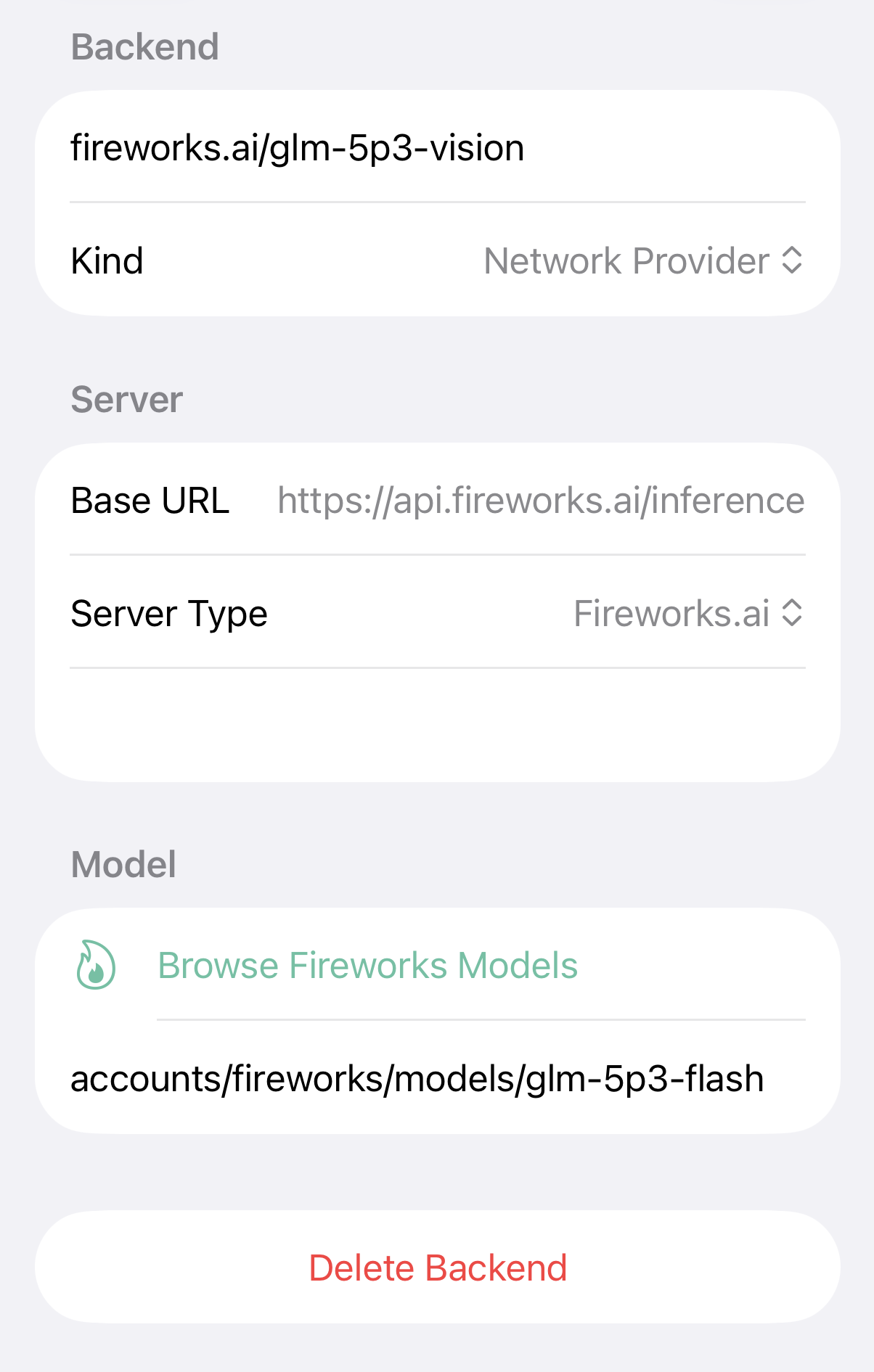
Or connect to a provider
Point HollmChat at LM Studio running on a computer on your network, any OpenAI-compatible server, or fireworks.ai. Set up as many backends as you like and switch between them per chat — a small local model for quick questions, a bigger one when you need it.
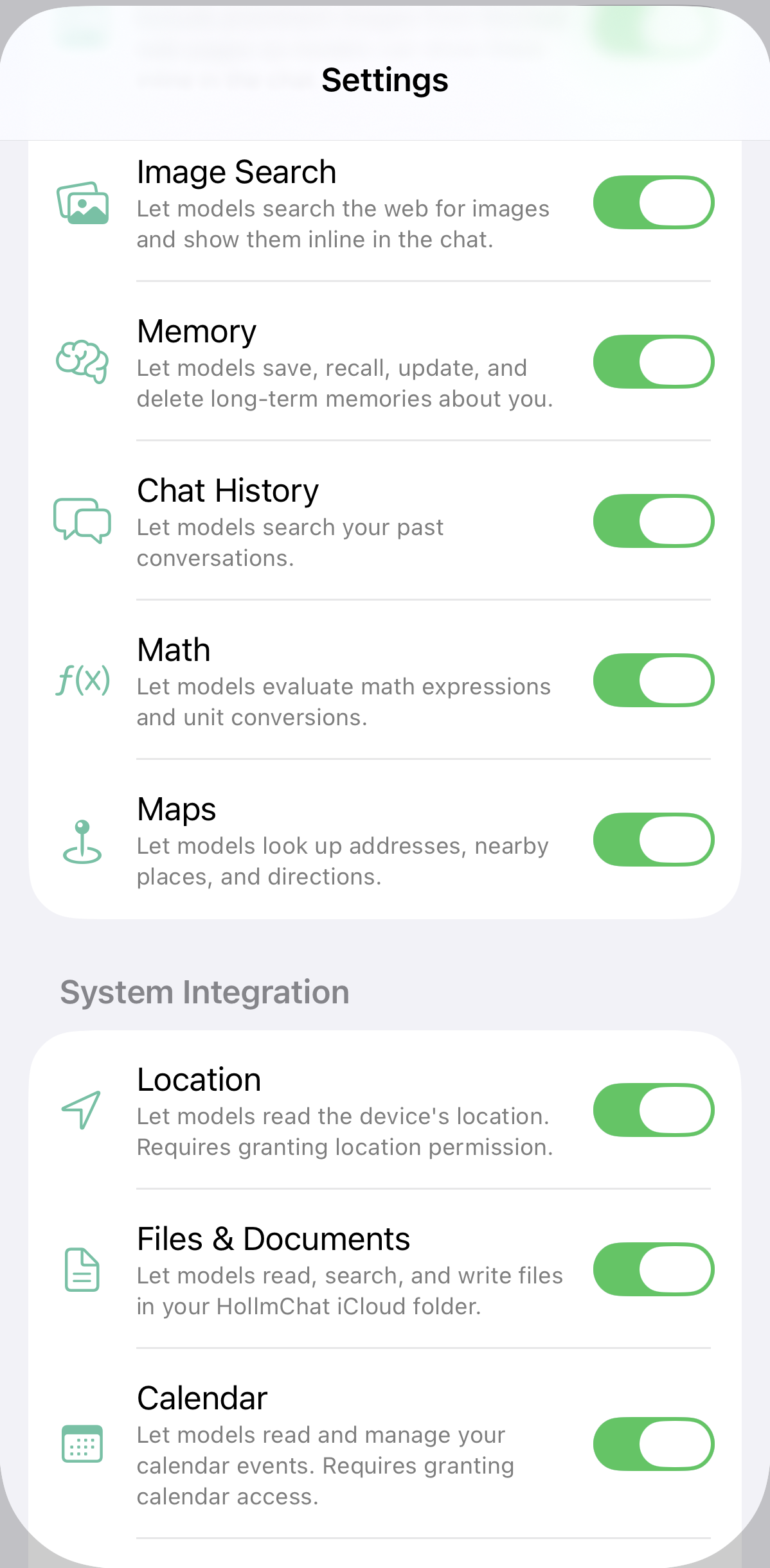
Give it tools
Turn on the abilities you want and the model can use them:
- Web search and page fetching, with images from pages shown inline
- Image search
- Long-term memory it can save, recall and update
- Search across your past conversations
- Math and unit conversions
- Maps, addresses, nearby places and directions
- Your location
- Files and documents in your HollmChat iCloud folder
- Calendar and reminders
- Apple Music search and playback
Connect MCP servers too, including ones that need a token or OAuth sign-in.
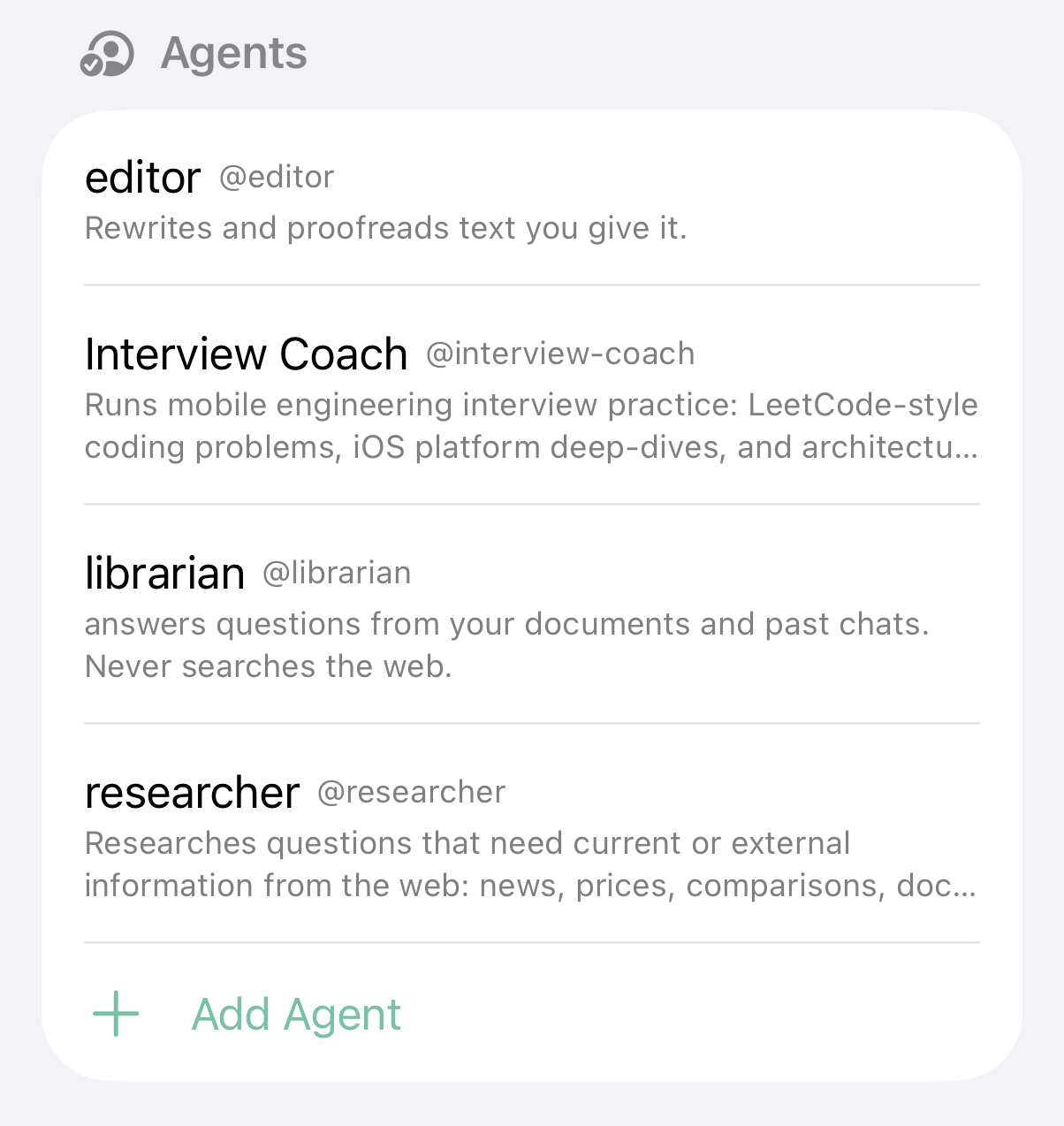
Build agents
Create specialized assistants with their own instructions, tools and model. Mention one with @ in a chat, or let the main model hand a task off to it. Agents can be exported and shared as files.
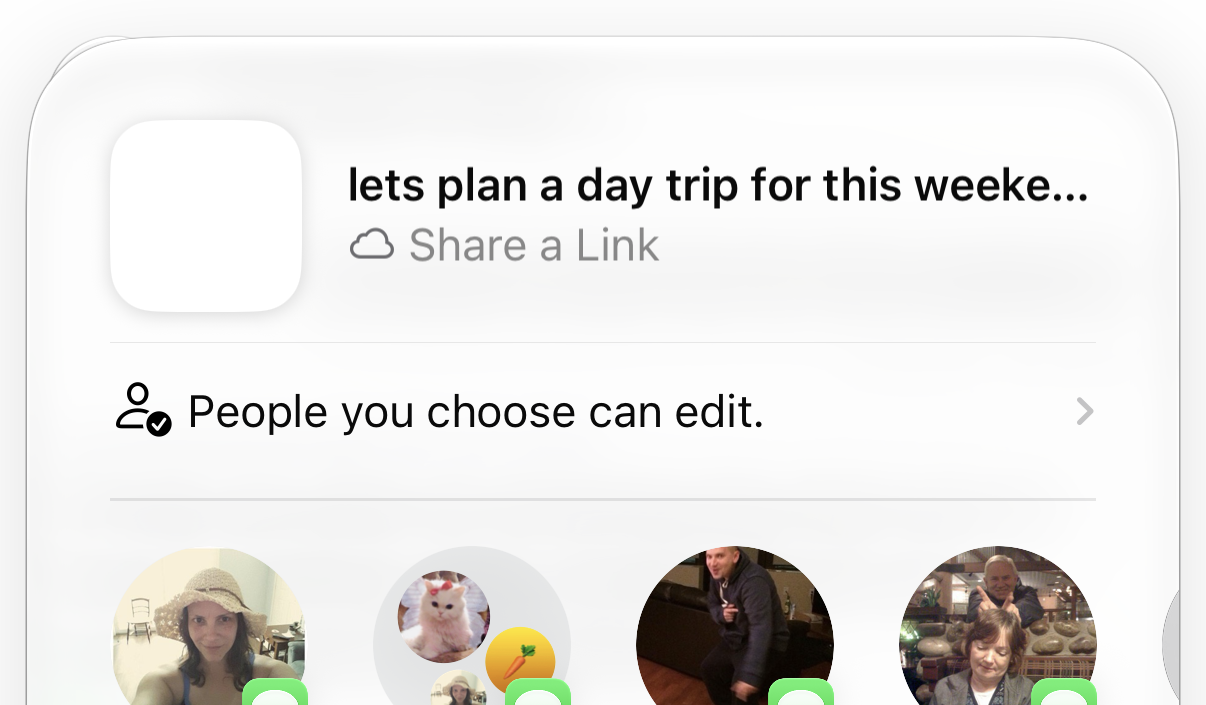
Chat together
Conversations sync through iCloud, and you can invite other people into one. Everyone sees the same thread, messages are labeled by who sent them, and you get a notification when someone replies.
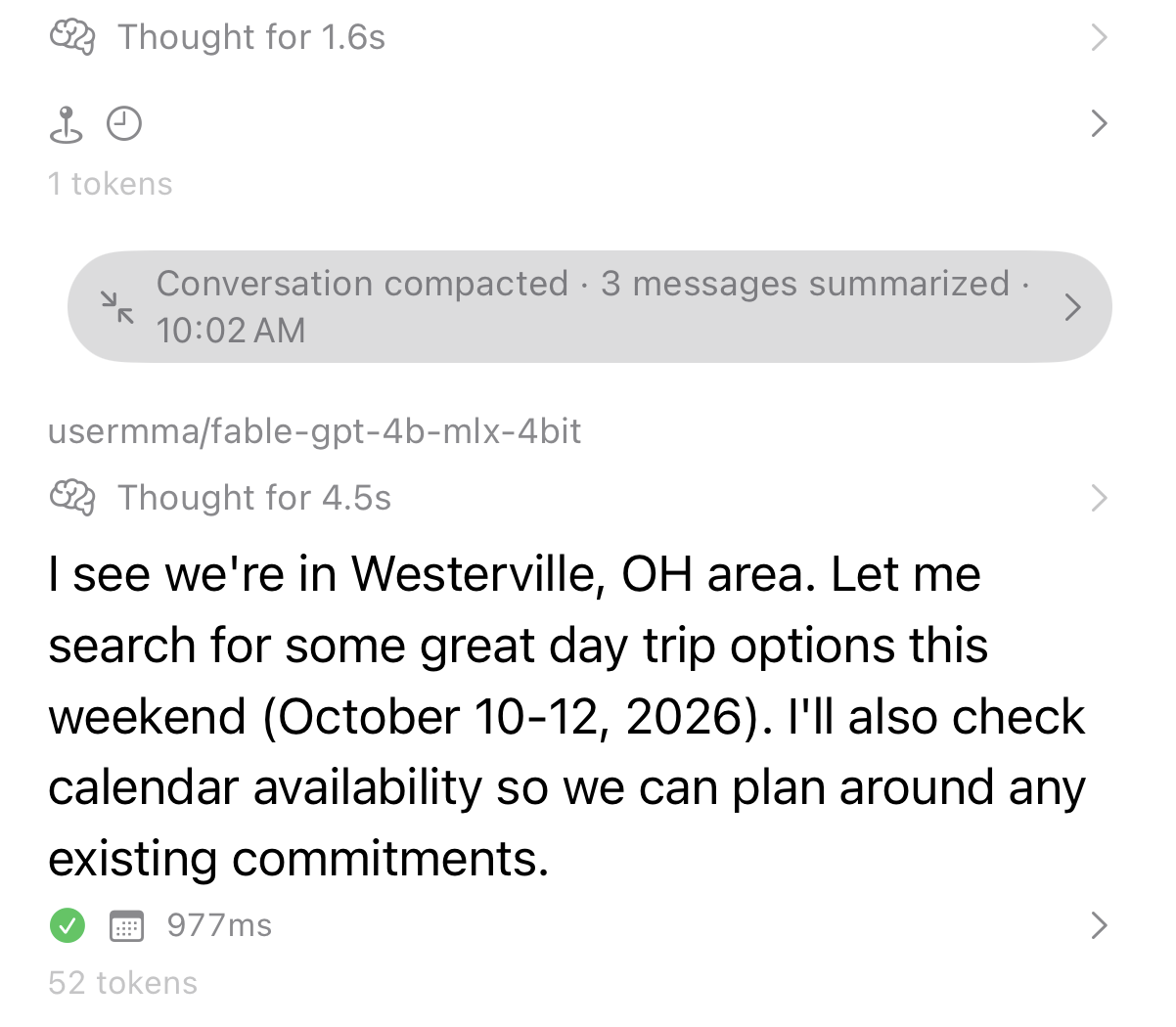
Keep the thread going
Long conversations get summarized automatically as they approach the model’s context limit, so you can keep going without starting over. A context meter shows how much room is left.

Background generation
When you’re using a network provider, you can leave the app and let a response finish on its own. A Live Activity tracks progress on the Lock Screen and Dynamic Island, and Picture-in-Picture keeps the turn alive while you do something else. There’s also an optional ambient “thinking music” loop you can enable — a quiet sound that plays while a response is being generated, so you know it’s still working even with the screen off.
One caveat: on-device models need the app open. They pause when HollmChat is backgrounded, so background generation is a network-provider feature.
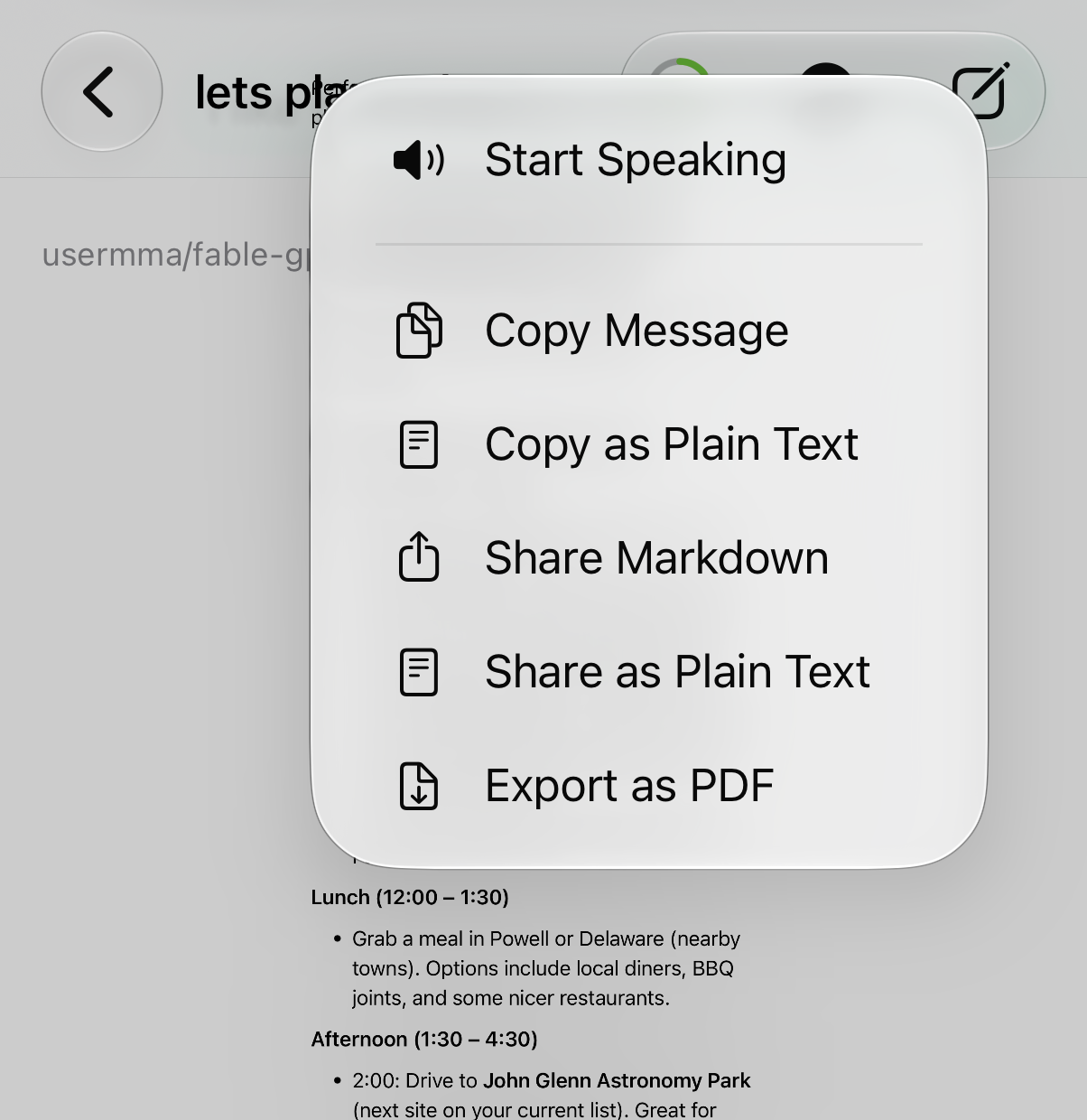
Small things that add up
- Attach photos from your library, camera, files, or drag-and-drop
- See the model’s thinking when it shares it
- Have replies read aloud
- Export a message as PDF, or copy and share it
- Recent Chats widget and a Control Center button
- Ask a model from Siri or Shortcuts, and find chats in Spotlight
- Turn conversations into journal entries with Reflect, optionally anchored to a moment from your day
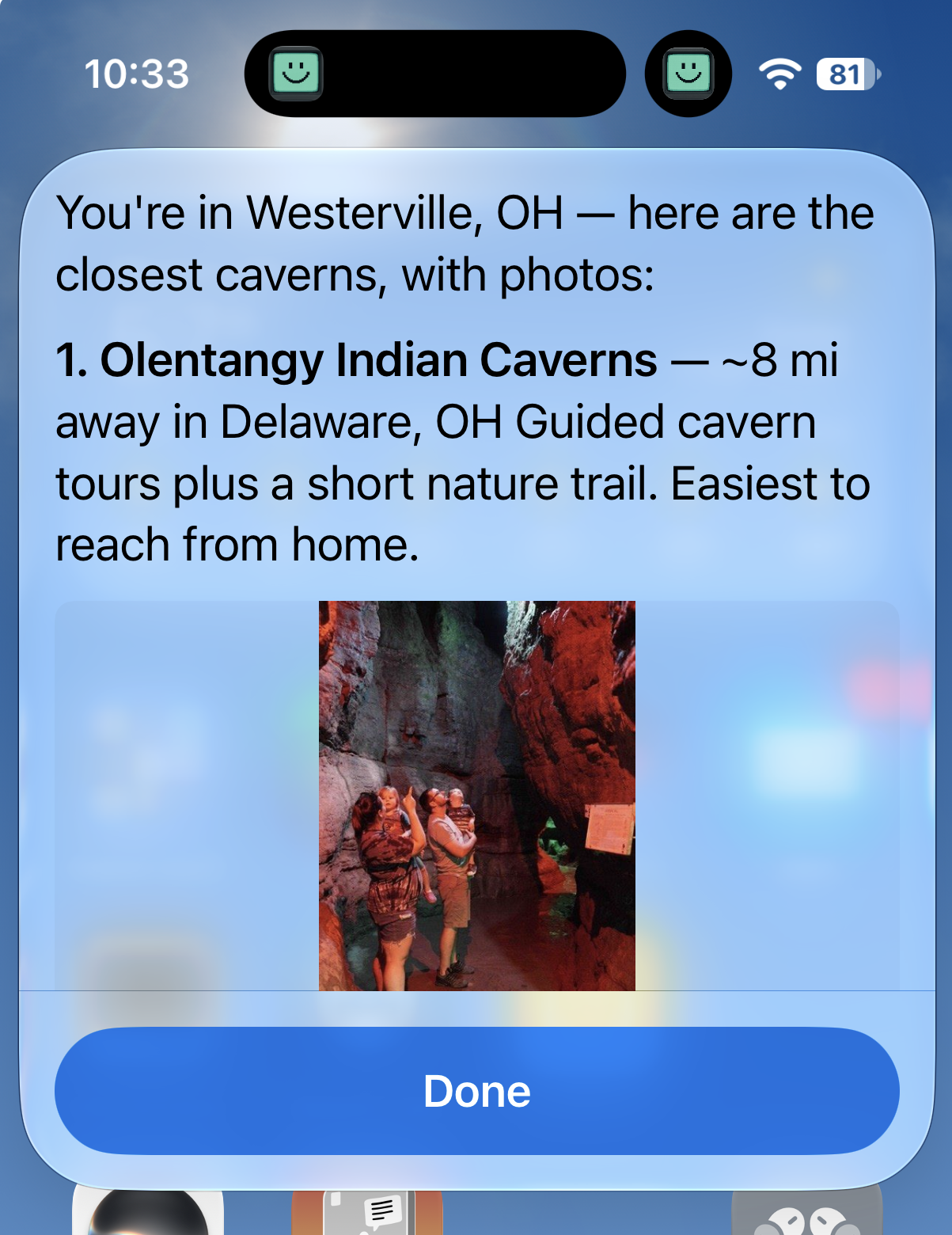
Siri and Apple Intelligence
Ask HollmChat a question by voice and get a spoken answer, with a result card you can tap to open the full conversation. Long requests keep running past Siri’s usual time limit, with progress shown as a Live Activity you can cancel. Your chats are indexed in Spotlight so Siri and Apple Intelligence can find them by what was said, not just the title.
Private by default
No account needed. If you use on-device models, your conversations never leave your device. If you connect to a provider, only that provider sees your messages.
Available on iPhone, iPad, Mac and Apple Vision Pro.